Your library first
Quire opens straight into your library. There is no app drawer or social feed competing for attention.
A dedicated Android reader
Quire gives the spare Android you already own one clear job: open your EPUB and PDF books without feeds, notifications, or an app drawer.
4 books
That Android in a drawer already has the screen, battery, and storage. Quire gives it one clear purpose and helps you spend more time with your books.
Quire opens straight into your library. There is no app drawer or social feed competing for attention.
Send EPUB and PDF files directly over USB with Book Drop. Your book files are not uploaded.
Normal notifications and social apps stay out of the reading experience.
Use Restore to return the phone to normal Android whenever you need it.
Give them a reader without buying another device or handing over the usual phone apps and notifications.
Give them a reader that opens straight to the library and keeps the rest of the phone out of the way.
Make a bedside, travel, or backup reader for the EPUB and PDF books you already have.
Quire uses the buttons and touch areas already under your fingers, then keeps the page controls close when you need them.
Press volume down for the next page and volume up to go back. Your reading hand can stay in one place.
Choose Off, Low, Medium, or Deep warmth and adjust brightness down to 1% for a softer page in low light.
Choose serif or sans, four text sizes, adjustable line height, screen brightness, and four eye-comfort levels.
Quire is profiled on physical Android hardware so page turns stay responsive on the phone you already own.
A guided setup takes your spare Android from the drawer to its first book.
Connect the spare phone with a USB data cable and run the free compatibility check.
Follow the guided setup. Quire installs over USB and restarts the phone as a dedicated reader.
Send your EPUB and PDF books with Book Drop, then open your library and read.
See the phone check, Quire installation, restart, and first book transfer from beginning to end.
Watch demo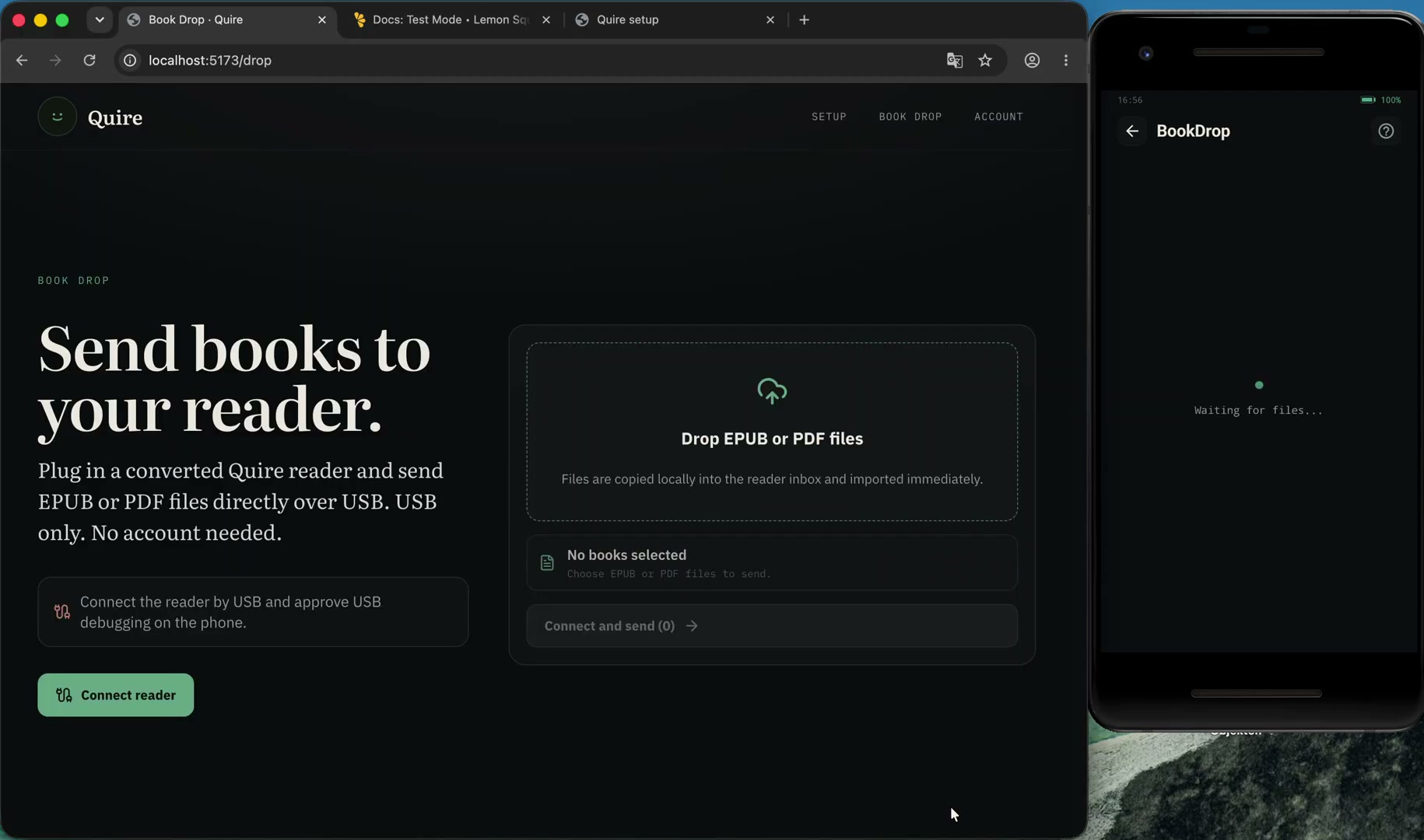
Check compatibility first at no cost. Regular price €19. No subscription.
The launch discount is applied automatically after the free phone check. See the refund policy if installation does not work on a compatible phone.
Reader updates are included. These are the next formats and reading tools planned for future releases.
Look up a word without leaving the page or breaking your place in the book.
Sync EPUB and PDF books from services such as Google Drive directly into your reader library.
Read CBZ files with full-page, fit-to-width, and right-to-left reading options.
Compatibility varies by Android version and manufacturer. Run the free phone check before installing. The phone must be freshly reset with Google sign-in skipped.
Quire becomes the phone’s home screen and reading app. Restore returns the phone to normal Android later.
No. The first 100 customers get Quire for €9 once for one phone. The regular one-time price is €19.
Battery life varies by phone model, battery health, and use. Quire applies reader-focused power settings; measured results will be published separately.
Book Drop copies EPUB and PDF files directly from your computer to the phone over USB. They are not uploaded to Quire.
Yes. Use Restore to return the phone to normal Android. Back up anything important before the initial factory reset.
Check it for free, install Quire, and keep your books within reach.
Check my phone